What is Passtape?
Passtape is an MIT-licensed media engine for processing video and audio. It is made to be the foundation of professional nonlinear editors and other media applications.
- Video processing runs on the GPU and keeps frames GPU-resident between operations.
- Backends use the native codecs, media surfaces, and GPU APIs of each platform.
- The library is MIT licensed and can be used in commercial products.
The complete backend today is macOS, using VideoToolbox, Core Video, Metal, and the platform audio frameworks. Windows and Linux backends are being developed around the same platform-neutral graph API.
Example usage
This example opens a video, keeps the section from 2 to 8 seconds, crops its edges, applies a Gaussian blur, and encodes the result as H.264 in a MOV file.
use passtape::{
    H264Mov, MediaGraph, PlaybackRate, RationalTime, RequestedVideoOutput,
    TimeMap, TimeRange, new_runtime,
    ops::{retime, video_blur_gaussian, video_transform_2d},
};

let mut runtime = new_runtime()?;
let source_info = runtime.sources_mut().add_file("input", input_path)?;

let mut graph = MediaGraph::builder("edit");
let source = graph.add_video_source(
    "input",
    source_info.full_range(),
    source_info.descriptor(),
)?;

// Timeline seconds 0-6 play source seconds 2-8 at normal speed.
let start = RationalTime::from_integer(2);
let edit_range = TimeRange::new(
    RationalTime::ZERO,
    RationalTime::from_integer(6),
)?;
let cut = graph.add_operation(retime::Options {
    id: "cut",
    input: source,
    active_range: edit_range,
    time_map: TimeMap::affine(
        RationalTime::ZERO,
        start,
        PlaybackRate::new(1, 1)?,
    ),
})?;

let zero = graph.add_scalar_parameter("zero", 0.0)?;
let one = graph.add_scalar_parameter("one", 1.0)?;
let center = graph.add_scalar_parameter("center", 0.5)?;
let crop_x = graph.add_scalar_parameter("crop-x", 0.10)?;
let crop_y = graph.add_scalar_parameter("crop-y", 0.05)?;
let cropped = graph.add_operation(video_transform_2d::Options {
    id: "crop",
    active_range: edit_range,
    input: cut,
    translation_x: zero,
    translation_y: zero,
    scale_x: one,
    scale_y: one,
    rotation_degrees: zero,
    anchor_x: center,
    anchor_y: center,
    crop_left: crop_x,
    crop_top: crop_y,
    crop_right: crop_x,
    crop_bottom: crop_y,
})?;

let radius = graph.add_scalar_parameter("blur-radius", 12.0)?;
let blurred = graph.add_operation(video_blur_gaussian::Options {
    id: "blur",
    active_range: edit_range,
    input: cropped,
    radius,
})?;

let output = graph.add_video_output("output", blurred)?;
let requested = RequestedVideoOutput::new(
    output.node_id(),
    H264Mov::new(output_path),
);
let plan = runtime.prepare(
    graph.build(),
    &requested.execution_request(),
)?;

runtime.start_video_output(plan, requested)?.run()?;
Sources, operations, parameters, and outputs are ordinary graph nodes. Replace the constant parameters with keyframe curves to animate the crop, blur, or any other supported control.
Playback
Playback uses the same graph. Instead of an encoder, provide a video output target that presents GPU surfaces in your application, then request frames at the playhead time.
let requested = RequestedVideoOutput::new(
    output.node_id(),
    preview_target,
);
let plan = runtime.prepare(
    graph.build(),
    &requested.execution_request(),
)?;
let mut playback = runtime.start_video_output(plan, requested)?;

playback.render_frame(playhead_time, presentation_time)?;
preview_target is supplied by the application and implements
VideoOutputTarget. On macOS it can receive a retained Core Video surface
without copying the frame back to the CPU.
Operations
Operations transform media inside a graph. Add one with
graph.add_operation(...), connect its input to an earlier node, and pass its
output to another operation or graph output. Controls can be constants or
keyframed parameters.
let radius = graph.add_scalar_parameter("radius", 12.0)?;
let blurred = graph.add_operation(ops::video_blur_gaussian::Options {
    id: "blur",
    active_range,
    input: video,
    radius,
})?;
Timeline and text
retimeCuts, offsets, reverses, freezes, or changes the speed of audio or video by mapping output time to input time.
text_renderRenders semantic text as premultiplied-alpha video so it can be transformed and composited like any other visual layer.
Audio
audio_mixmedia.audio.mixAdds two audio streams together over the same timeline range.
Both inputs must have the same sample rate, channel layout, and sample storage. Planar floating-point samples are added without clipping, preserving values outside the range from -1 to 1 for later processing or output conversion.
audio_gain_panmedia.audio.gain_panApplies sample-accurate volume and stereo pan controls.
| Parameter | Meaning |
|---|---|
gain | Linear amplitude from 0 to 64; 1 is unity gain. |
pan | Stereo position from full left (-1) through full right (1). |
audio_normalizemedia.audio.normalizeApplies the constant gain calculated by Passtape's whole-program loudness analysis.
| Parameter | Meaning |
|---|---|
gain | Constant linear gain resolved by the complete-program loudness analysis. |
Supports every prepared planar-f32 speaker layout and preserves relative channel levels. The operation does not perform analysis itself; the gain is resolved by an explicit complete-program loudness analysis before rendering. See Loudness normalization for the two-pass data flow.
audio_eqmedia.audio.eqApplies one high-pass, low-pass, peaking, low-shelf, or high-shelf filter band. Chain several nodes to build a multiband EQ.
| Parameter | Meaning |
|---|---|
kind | Filter kind: 0 high-pass, 1 low-pass, 2 peaking, 3 low-shelf, 4 high-shelf. |
frequency_hz | Filter cutoff or center frequency, from 10 to 96,000 Hz. |
gain_db | Signed boost or cut for peaking and shelf kinds, from -48 to 48 dB. |
q | Resonance or bandwidth as filter Q, from 0.1 to 18. |
audio_gatemedia.audio.gateReduces audio below a threshold, with attack, hold, release, range, and hysteresis controls.
| Parameter | Meaning |
|---|---|
threshold_db | Level below which the gate closes, from -120 to 0 dB. |
hysteresis_db | Extra level required to reopen a closed gate, from 0 to 48 dB. |
attack_ms, hold_ms, release_ms | Time to open, minimum time held open, and time to close, each from 0 to 10,000 ms. |
range_db | Attenuation applied when fully closed, from 0 to 120 dB. |
audio_compressormedia.audio.compressorReduces dynamic range above a threshold using ratio, knee, attack, release, and makeup gain controls.
| Parameter | Meaning |
|---|---|
threshold_db | Level where gain reduction begins, from -120 to 0 dB. |
ratio | Slope above the threshold, from 1 to 100; 1 disables compression. |
knee_db | Width of the soft transition around the threshold, from 0 to 48 dB. |
attack_ms, release_ms | Gain-reduction attack and release times, each from 0 to 10,000 ms. |
makeup_gain_db | Gain applied after compression, from -48 to 48 dB. |
audio_limitermedia.audio.limiterPrevents peaks from exceeding a ceiling while preserving quieter material.
| Parameter | Meaning |
|---|---|
ceiling_dbfs | Maximum sample peak, from -60 to 0 dBFS. |
release_ms | Time over which gain recovers after a peak, from 0 to 10,000 ms. |
Video composition and geometry
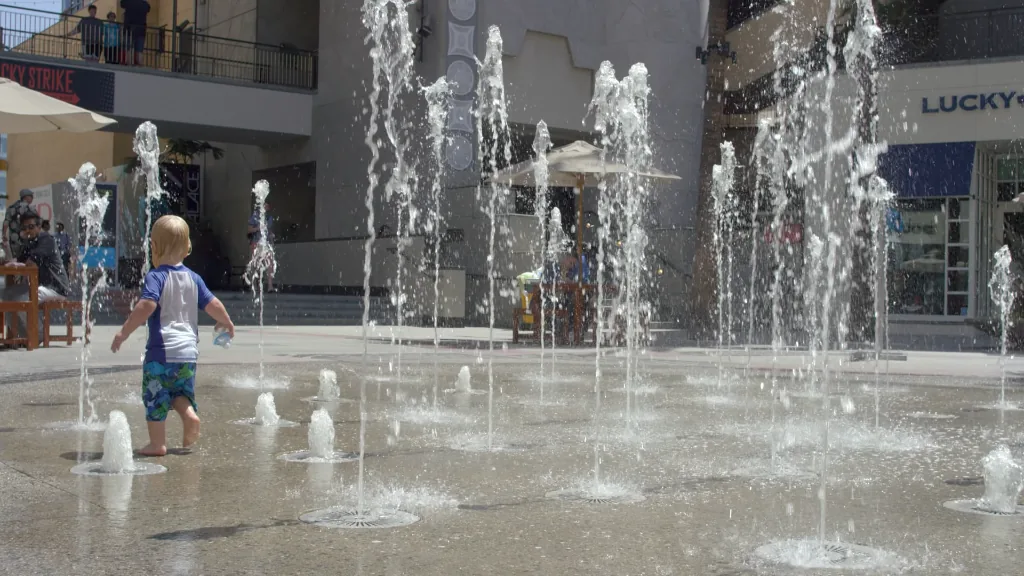
video_blur_gaussianmedia.video.blur.gaussianApplies a keyframeable Gaussian blur with a radius measured in pixels.
| Parameter | Meaning |
|---|---|
radius | Scalar — how far the blur extends from each pixel, from 0 to 64 pixels. |
A radius of 0 preserves the input. Values outside the documented range are rejected during graph analysis. The operation preserves the prepared video format.
video_alpha_overmedia.video.alpha_overPlaces premultiplied-alpha foreground video over background video.
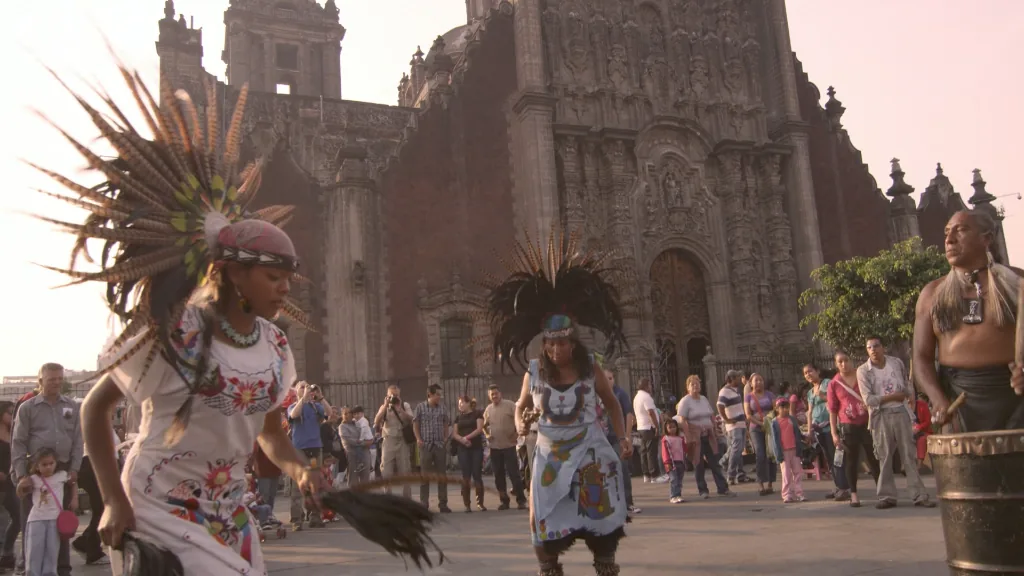
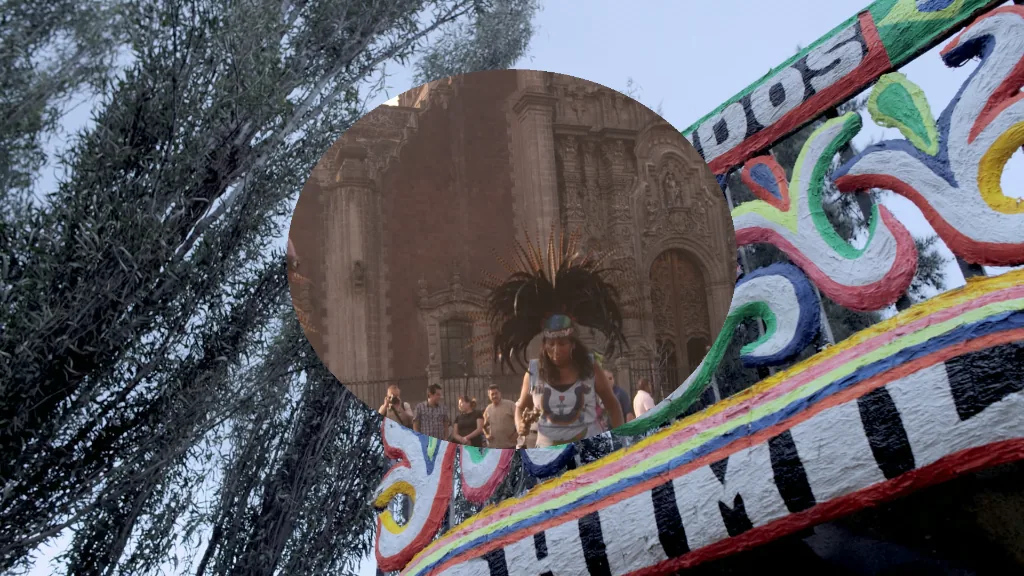
A transparent foreground reveals the background; an opaque foreground replaces it. Preparation converts both inputs to the same BGRA color format and a premultiplied-alpha representation — color channels stored already multiplied by alpha, which lets compositing blend correctly with a single multiply-add — before the operation runs.
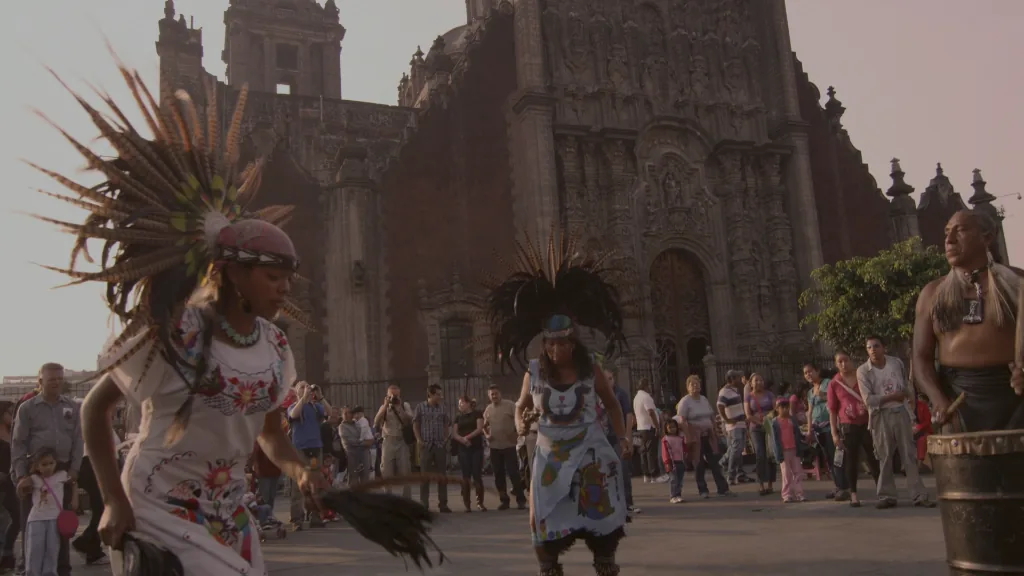
video_opacitymedia.video.opacityChanges a video's alpha uniformly from fully transparent to fully opaque.
| Parameter | Meaning |
|---|---|
opacity | Scalar — 0 is fully transparent and 1 leaves the input unchanged. |
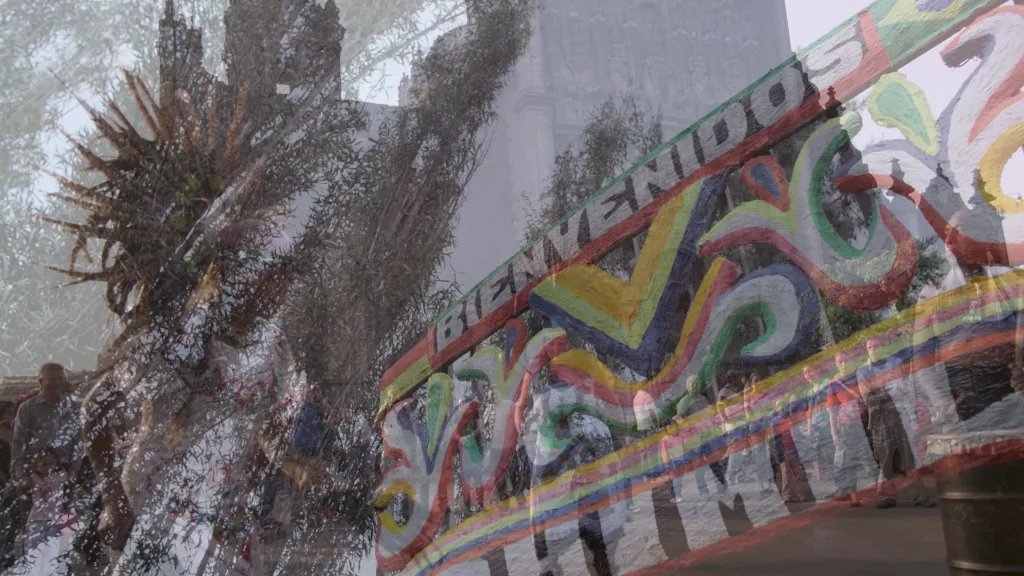
video_mixmedia.video.mixInterpolates between two video inputs using a keyframeable mix amount.
| Parameter | Meaning |
|---|---|
amount | Scalar — 0 selects the first input, 1 selects the second, and values between them blend both inputs. |
The inputs are ordered: the first input is selected at an amount of 0, and the second is selected at an amount of 1. Amounts outside the range from 0 to 1 are clamped to the nearest endpoint. Both inputs use the format selected during preparation.
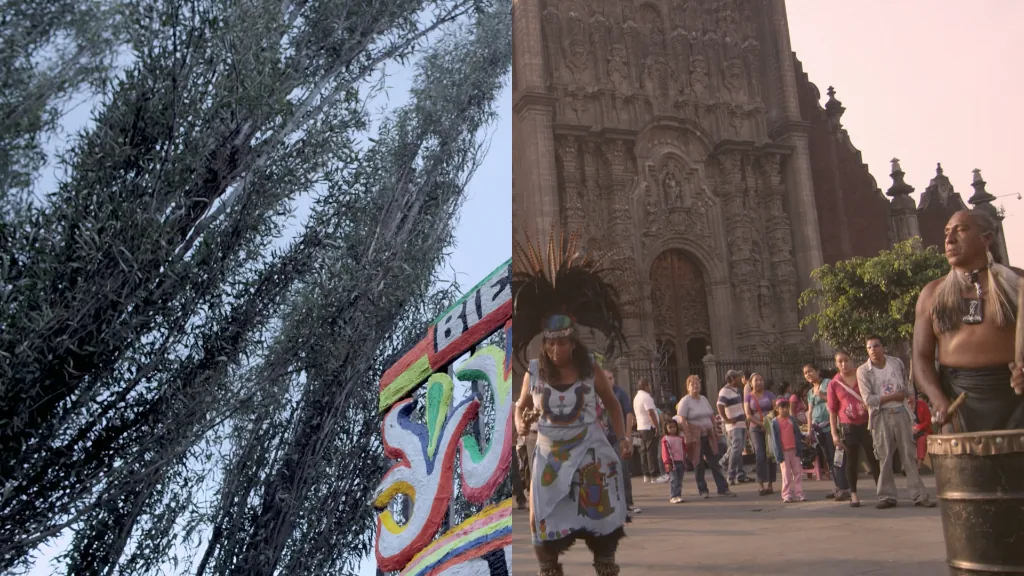
video_transitionmedia.video.transitionTransitions between outgoing and incoming video using dissolve, dip-to-black, or directional wipe modes.
| Parameter | Meaning |
|---|---|
kind | Integral mode: 0 dissolve, 1 dip-to-black, 2 wipe left-to-right, 3 wipe right-to-left, 4 wipe top-to-bottom, 5 wipe bottom-to-top. |
progress | Reveal progress from 0 (outgoing frame) to 1 (incoming frame), normally keyframed across the range. |
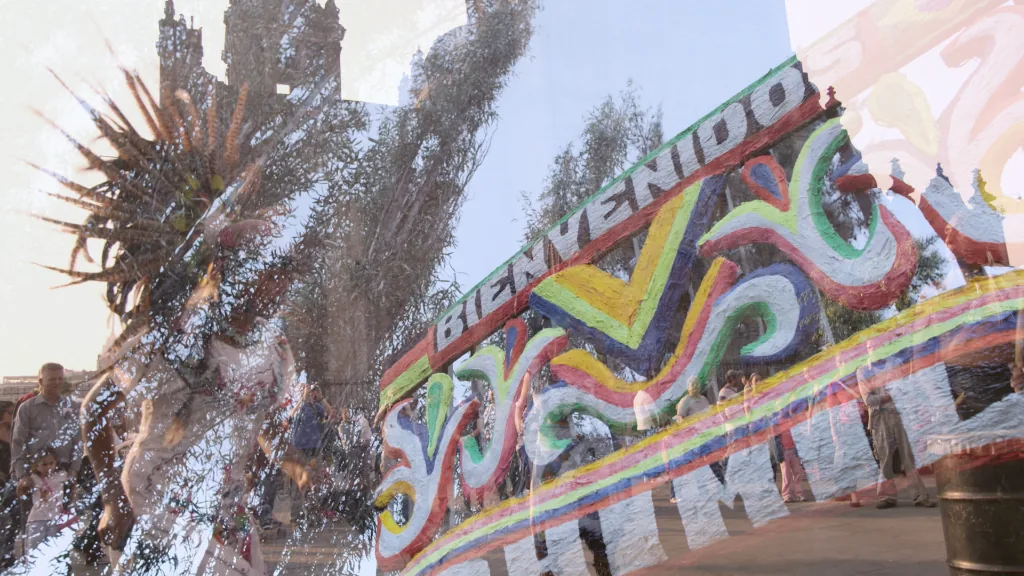
video_blendmedia.video.blendComposites a foreground layer with opacity and normal, add, multiply, or screen blend modes.
| Parameter | Meaning |
|---|---|
opacity | Foreground opacity from 0 to 1. |
mode | Integral blend mode: 0 normal, 1 add, 2 multiply, 3 screen. |
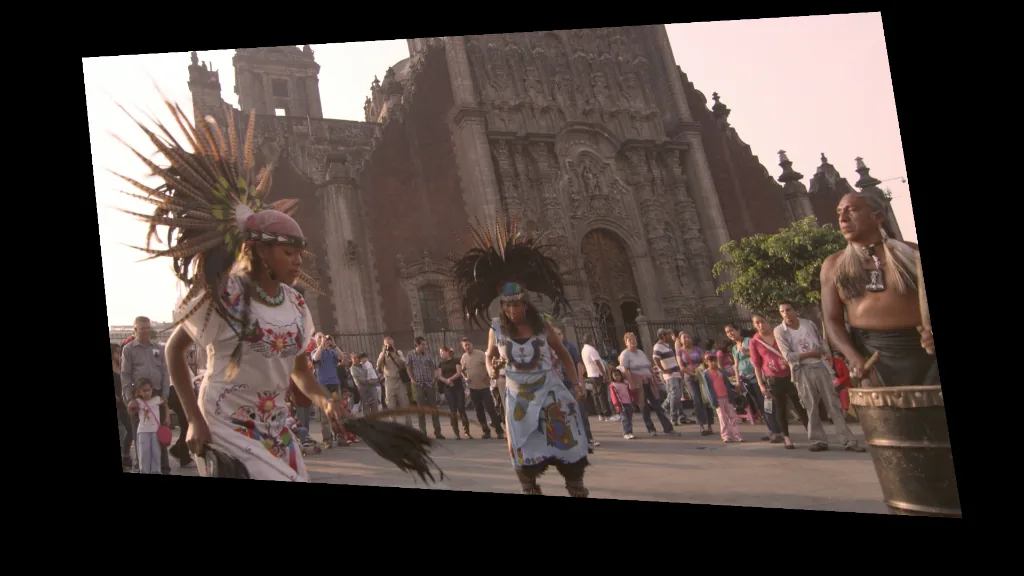
video_corner_pinmedia.video.corner_pinPerspective-maps a frame to four independently keyframeable destination corners.
| Parameter | Meaning |
|---|---|
top_left, top_right, bottom_right, bottom_left | Point2 — normalized destination corners; coordinates may extend outside [0, 1]. |
Projectively maps a video frame into four normalized destination points ordered clockwise from top-left. Each corner is a Point2 parameter, so tracking output can animate the perspective mapping without rebuilding the graph. Coordinates may extend outside [0, 1]; pixels outside the mapped source are transparent.
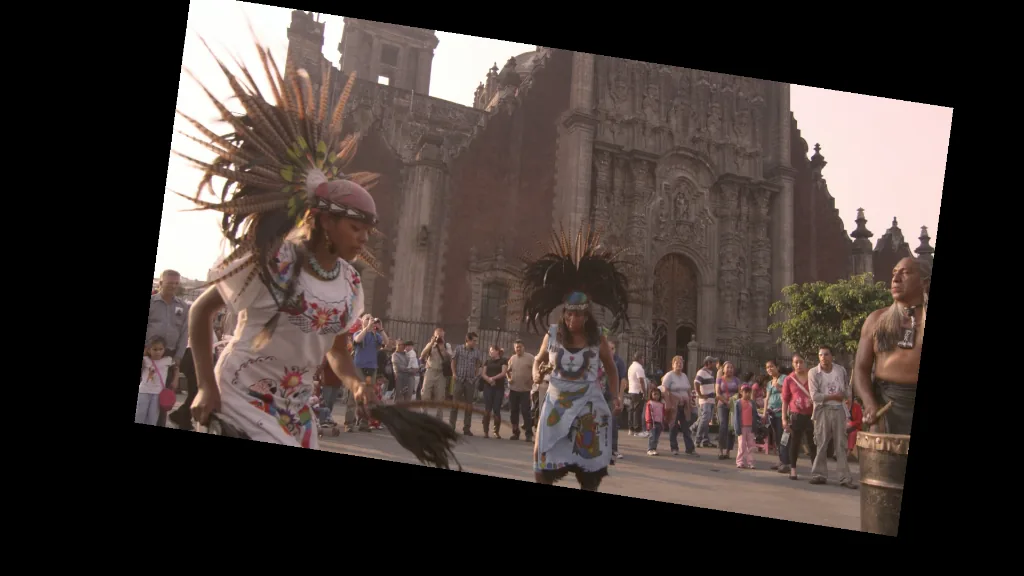
video_transform_2dmedia.video.transform_2dTranslates, scales, rotates, anchors, and crops video in one operation.
| Parameter | Meaning |
|---|---|
translation_x, translation_y | Movement in output pixels. |
scale_x, scale_y | Independent scale; negative values flip an axis. |
rotation_degrees | Clockwise rotation in degrees. |
anchor_x, anchor_y | Scale and rotation pivot in normalized source coordinates; 0.5 is center. |
crop_left, crop_top, crop_right, crop_bottom | Normalized source fraction removed from each edge. |
Scale and rotation pivot on the anchor point, then translation moves the result. The operation preserves frame dimensions and makes pixels outside the source transparent. A zero scale produces a transparent frame. Sampling is bilinear; strong minification can alias because the operation does not prefilter or build image pyramids.
Color and HDR
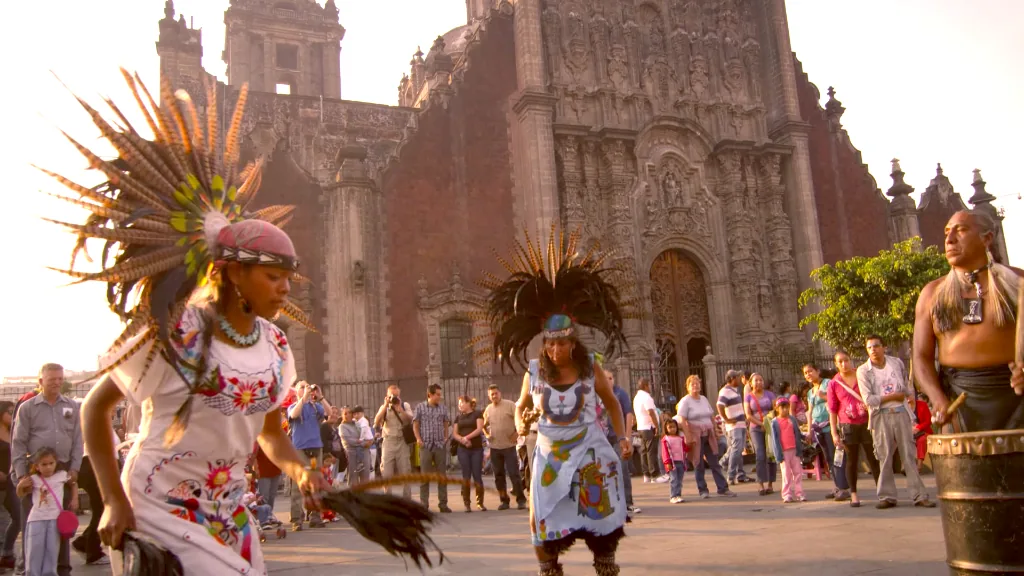
video_color_adjustmedia.video.color_adjustAdjusts exposure, contrast, saturation, white-balance temperature and tint, vignette, and sharpening.
| Parameter | Meaning |
|---|---|
exposure | Brightness from -20 to 20 stops; 1 doubles linear light. |
contrast | Contrast from 0 to 4 around middle gray; 1 leaves it unchanged. |
saturation | Color intensity from 0 to 4; 0 is grayscale and 1 leaves it unchanged. |
temperature | Blue-to-amber white balance from -1 to 1; 0 leaves it unchanged. |
tint | Green-to-magenta white balance from -1 to 1; 0 leaves it unchanged. |
vignette | Edge-darkening strength from 0 to 1. |
sharpen | Unsharp-mask strength from 0 to 2. |
The adjustment is defined in linear RGB. Preparation converts the input to a supported linear working format and converts the result as needed. The input must declare complete color metadata so saturation has a defined luminance.
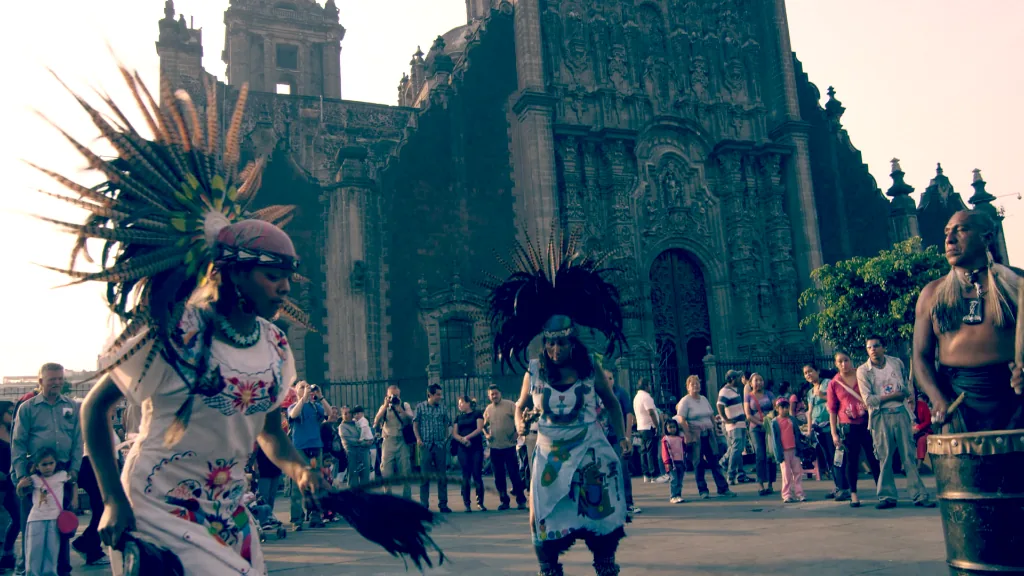
video_primary_grademedia.video.color.primary_gradeApplies lift, gamma, gain, offset, contrast, pivot, saturation, temperature, and tint, optionally through a mask.
| Parameter | Meaning |
|---|---|
lift_r, lift_g, lift_b | Per-channel lift, from -4 to 4. |
gamma_r, gamma_g, gamma_b | Per-channel gamma multiplier, from 0.01 to 10. |
gain_r, gain_g, gain_b | Per-channel gain, from 0 to 16. |
offset_r, offset_g, offset_b | Per-channel additive offset, from -4 to 4. |
exposure | Exposure from -20 to 20 stops. |
contrast | Contrast multiplier from 0 to 4. |
pivot | Contrast pivot in normalized linear RGB, from 0 to 1. |
saturation | Saturation multiplier from 0 to 4. |
temperature | Blue-to-amber white balance from -1 to 1. |
tint | Green-to-magenta white balance from -1 to 1. |
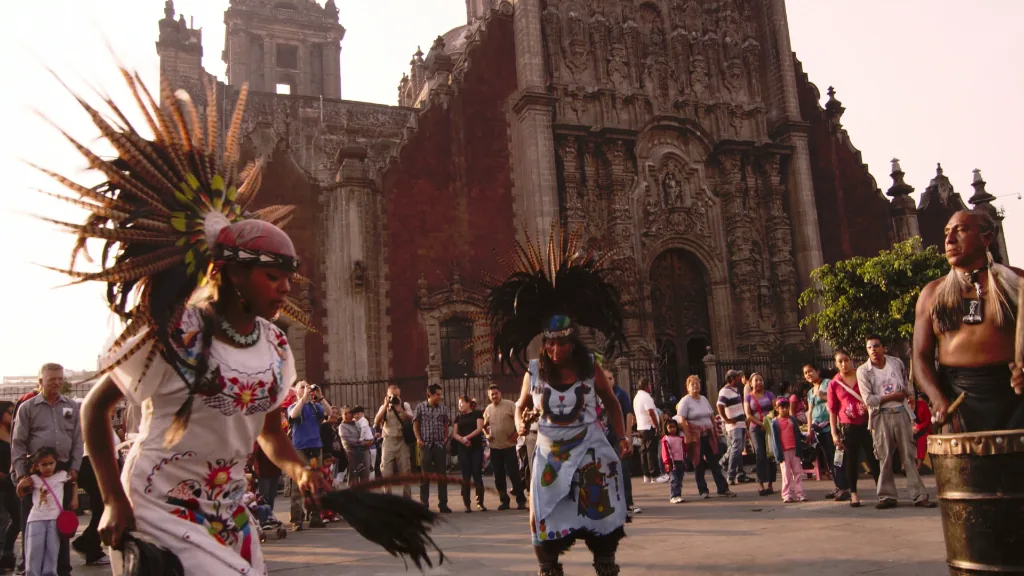
video_color_curvemedia.video.color.curveApplies a master transfer curve to the image, optionally through a mask.
| Parameter | Meaning |
|---|---|
strength | Curve blend strength from 0 (bypass) to 1 (full effect). |
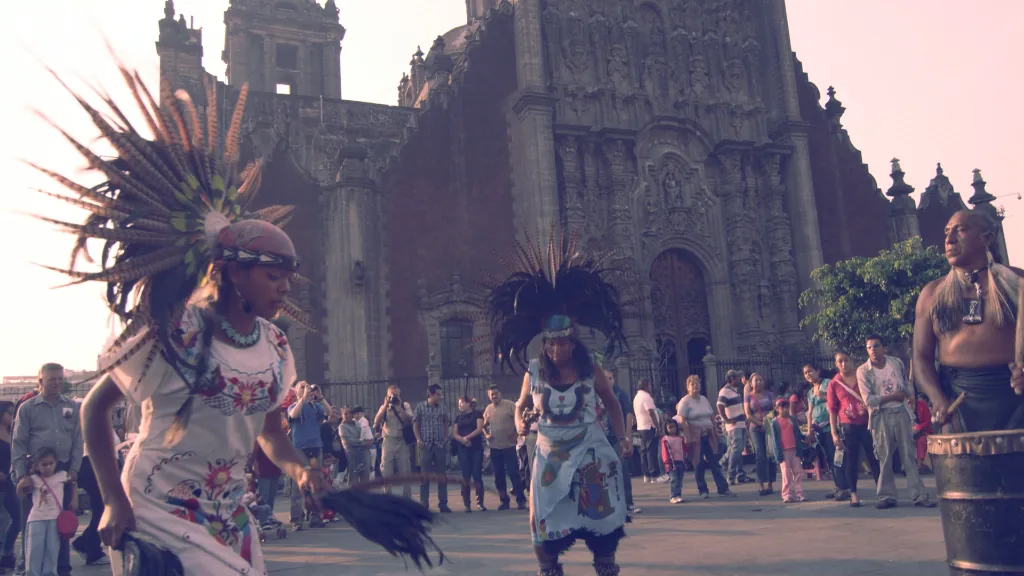
video_rgb_curvesmedia.video.color.rgb_curvesApplies master and per-channel red, green, and blue transfer curves, optionally through a mask.
| Parameter | Meaning |
|---|---|
strength | Curve blend strength from 0 (bypass) to 1 (full effect). |
video_channel_mixermedia.video.color.channel_mixerRemaps output RGB channels through a keyframeable three-by-three matrix, optionally through a mask.
| Parameter | Meaning |
|---|---|
red_from_red … blue_from_blue | The nine row-major matrix coefficients mapping input RGB to output RGB, each from -4 to 4. |
red_offset, green_offset, blue_offset | Additive output-channel offsets, each from -4 to 4. |
strength | Mixer blend strength from 0 (bypass) to 1 (full effect). |
video_hue_curvemedia.video.color.hue_curveChanges hue, luminance, or saturation as a function of a selected color property, optionally through a mask.
| Parameter | Meaning |
|---|---|
strength | Curve blend strength from 0 (bypass) to 1 (full effect). |
video_color_lut_3dmedia.video.color.lut_3dApplies a three-dimensional RGB lookup table, with optional masked strength.
| Parameter | Meaning |
|---|---|
strength | LUT blend strength from 0 (bypass) to 1 (full effect). |
video_tone_mapmedia.video.tone_mapMaps HDR luminance into a target display range while preserving color and highlight detail.
| Parameter | Meaning |
|---|---|
source_peak_nits | Declared source mastering peak, from 100 to 10,000 nits. |
target_peak_nits | Target display peak, from 48 to 1,000 nits. |
Both peaks are constants because they describe the source programme and target display rather than a frame-by-frame effect. Preparation decodes PQ or HLG into linear half-float RGB before this operation and converts the result into the output's requested transfer function afterward. Linear value 1.0 represents 100 nits.
Masks and keying
video_maskmedia.video.maskConverts the red channel of a video matte into first-class mask data.
video_hsl_qualifiermedia.video.color.hsl_qualifierBuilds complementary inside and outside masks by selecting ranges of hue, saturation, and luminance.
video_chroma_keymedia.video.key.chromaKeys a selected color and returns complementary foreground and background masks.
| Parameter | Meaning |
|---|---|
key_color | RGB — key color in linear BT.2020 RGB. |
tolerance | Chroma distance accepted as background coverage, from 0 to 1. |
softness | Additional chroma-distance transition width, from 0 to 1. |
video_luma_keymedia.video.key.lumaBuilds foreground and background masks from a luminance range.
| Parameter | Meaning |
|---|---|
minimum, maximum | Selected luminance bounds, each from 0 to 1. |
softness | Transition width outside both luminance bounds, from 0 to 1. |
video_power_windowmedia.video.color.power_windowCreates a geometric grading mask whose translation, scale, and rotation can be keyframed or driven by tracking data.

| Parameter | Meaning |
|---|---|
translation | Point2 — translation in normalized image coordinates. |
scale | Point2 — nonuniform scale relative to the authored window. |
rotation | Clockwise rotation in radians. |
mask_levelsmedia.mask.levelsRemaps mask coverage to adjust its black point, white point, and gamma.


| Parameter | Meaning |
|---|---|
black_point | Input coverage mapped to 0, from 0 to 1. |
white_point | Input coverage mapped to 1, from 0 to 1. |
gamma | Midtone exponent from 0.01 to 10; 1 preserves a linear ramp. |
mask_morphologymedia.mask.morphologyExpands or contracts a mask spatially.

| Parameter | Meaning |
|---|---|
radius | Signed radius in pixels from -64 to 64; positive expands and negative contracts, resolved to the nearest whole pixel. |
mask_blurmedia.mask.blurSoftens mask edges with a Gaussian blur.


| Parameter | Meaning |
|---|---|
radius | Gaussian radius in pixels, from 0 to 64. |
video_despillmedia.video.key.despillRemoves color spill aligned with a chroma-key color inside a mask.
| Parameter | Meaning |
|---|---|
key_color | RGB — key color in linear BT.2020 RGB. |
amount | Suppression amount from 0 (unchanged) to 1 (full neutralization). |
video_apply_maskmedia.video.apply_maskMultiplies a video's alpha by mask coverage.
mask_combinemedia.mask.combineCombines two masks with pointwise mask algebra.

| Parameter | Meaning |
|---|---|
mode | Integral mode: 0 intersect, 1 union, 2 subtract, 3 xor. |
mask_previewmedia.mask.previewConverts a mask into grayscale video for display or debugging.
Analysis
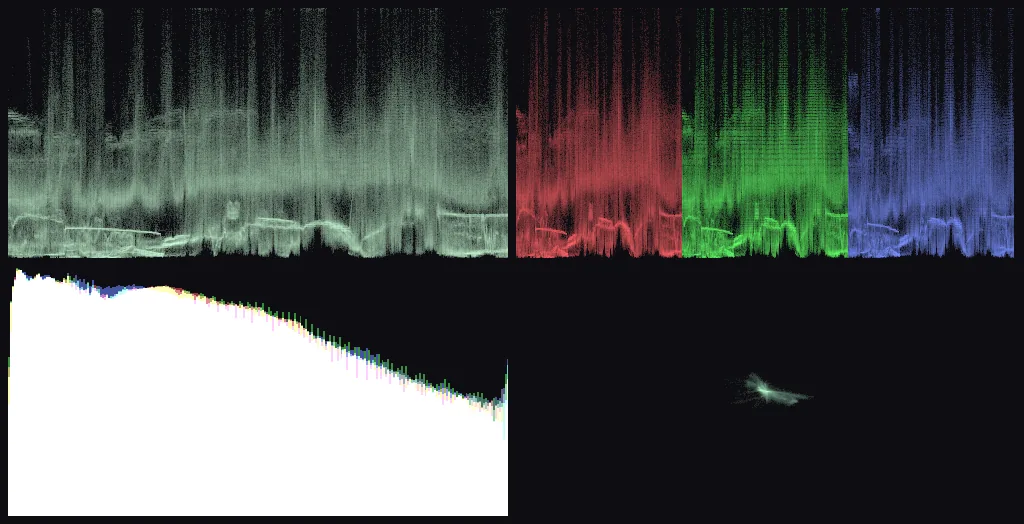
video_scopesmedia.video.scopesComputes histogram, waveform, RGB parade, and vectorscope tensors from one GPU image traversal.
Tracking
Tracking follows something across a series of video frames. Use it to attach a mask to a moving face, keep a graphic pinned to a sign, or measure camera motion for stabilization.
Passtape supports three tracking results:
- Object bounds for power windows and other rectangular selections.
- Four independent corners for perspective-aware corner pins.
- Whole-frame camera motion for stabilization.
Track an object
Choose the object on one seed frame, provide the ordered frame times, and load
each frame when Passtape asks for it. Bounds use normalized
[x, y, width, height] coordinates.
use passtape::{CancellationToken, RationalTime};
use passtape_tracking::{
    TrackRequest, TrackSeed, TrackingDirection, TrackingQuality,
    TrackingResult, track,
};

let request = TrackRequest {
    seed_time: RationalTime::from_integer(3),
    seed: TrackSeed::Bounds([0.30, 0.20, 0.25, 0.40]),
    direction: TrackingDirection::Both,
    quality: TrackingQuality::Accurate,
    minimum_confidence: 0.5,
};

let result = track(
    &frame_times,
    |index| load_pixel_buffer(index),
    request,
    &CancellationToken::new(),
    |progress| update_progress(progress),
)?;

let TrackingResult::Bounds(bounds) = result else {
    unreachable!("a bounds seed returns a bounds track");
};
let curves = bounds.to_power_window_keyframes()?;

let translation = graph.add_keyframed_parameter(
    "window-translation",
    curves.translation,
)?;
let scale = graph.add_keyframed_parameter(
    "window-scale",
    curves.scale,
)?;
let rotation = graph.add_keyframed_parameter(
    "window-rotation",
    curves.rotation,
)?;
Use those three parameters in video_power_window. For perspective tracking,
use TrackSeed::Quadrilateral; its result converts with
to_corner_pin_keyframes() and connects to video_corner_pin.
frame_times, load_pixel_buffer, and update_progress belong to the
application. This keeps file decoding and progress UI under the application’s
control.
Track camera motion
Camera tracking measures how the whole image moves between frames.
use passtape::CancellationToken;
use passtape_tracking::track_camera_motion;

let motion = track_camera_motion(
    &frame_times,
    |index| load_pixel_buffer(index),
    &CancellationToken::new(),
    |progress| update_progress(progress),
)?;
Pass the resulting motion track to the stabilization solver or use its samples in a custom camera-motion workflow.
Stabilization
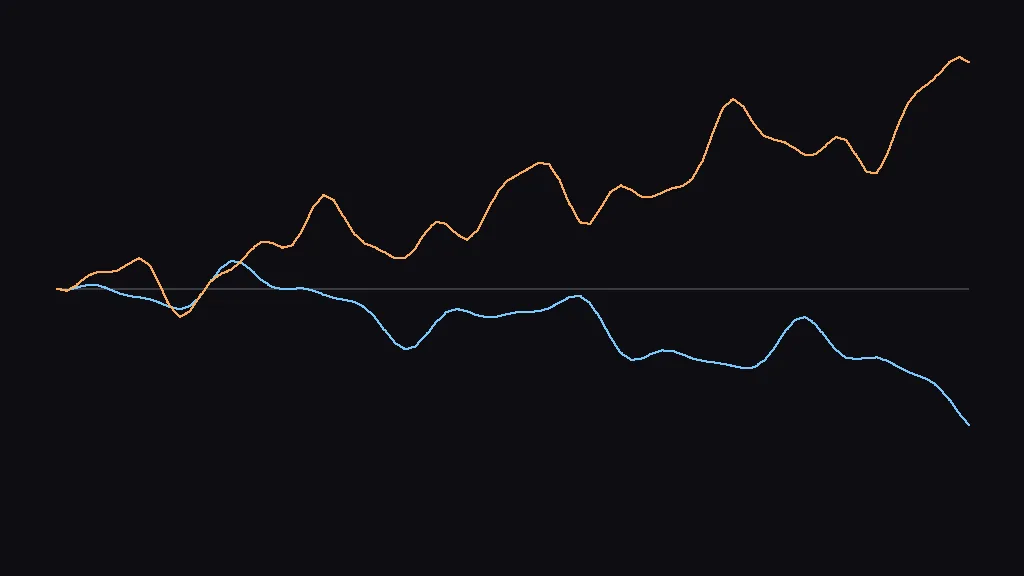
Stabilization removes unwanted camera shake. First track the camera motion, then smooth it into ordinary transform keyframes and attach those keyframes to the video graph.
use passtape::{RationalTime, ops::video_transform_2d};
use passtape_stabilization::{
    StabilizationOptions, stabilize,
};

let curves = stabilize(
    &motion,
    [1920, 1080],
    StabilizationOptions {
        smoothing_radius: RationalTime::new(1, 2)?,
        maximum_zoom: 1.25,
    },
)?;

let translation_x = graph.add_keyframed_parameter(
    "stabilize-x",
    curves.translation_x,
)?;
let translation_y = graph.add_keyframed_parameter(
    "stabilize-y",
    curves.translation_y,
)?;
let scale = graph.add_keyframed_parameter(
    "stabilize-scale",
    curves.scale,
)?;
let rotation = graph.add_keyframed_parameter(
    "stabilize-rotation",
    curves.rotation_degrees,
)?;
let zero = graph.add_scalar_parameter("stabilize-zero", 0.0)?;
let center = graph.add_scalar_parameter("stabilize-center", 0.5)?;

let stabilized = graph.add_operation(video_transform_2d::Options {
    id: "stabilize",
    active_range: source_info.full_range(),
    input: source,
    translation_x,
    translation_y,
    scale_x: scale,
    scale_y: scale,
    rotation_degrees: rotation,
    anchor_x: center,
    anchor_y: center,
    crop_left: zero,
    crop_top: zero,
    crop_right: zero,
    crop_bottom: zero,
})?;
The smoothing radius controls how much camera movement is removed; the
example’s RationalTime::new(1, 2) averages motion over a half-second window.
A larger radius produces steadier motion but can require more zoom to hide
moving frame edges. maximum_zoom sets the largest crop the application will
accept.